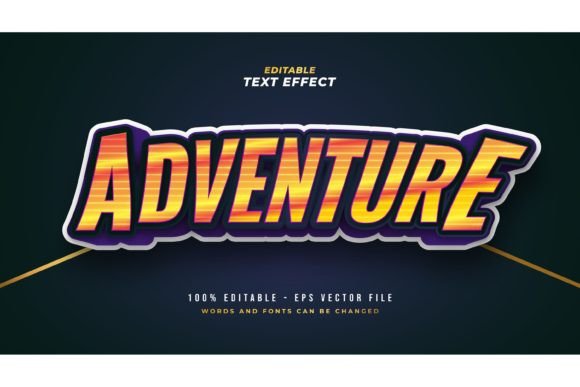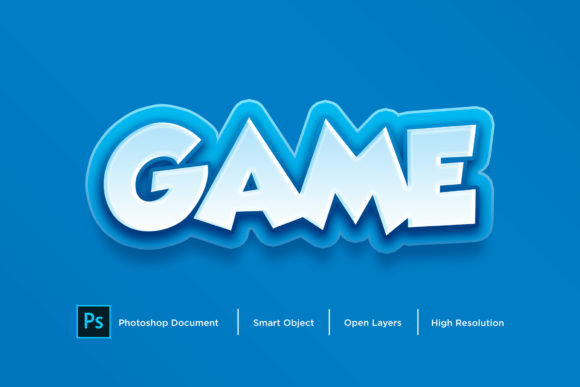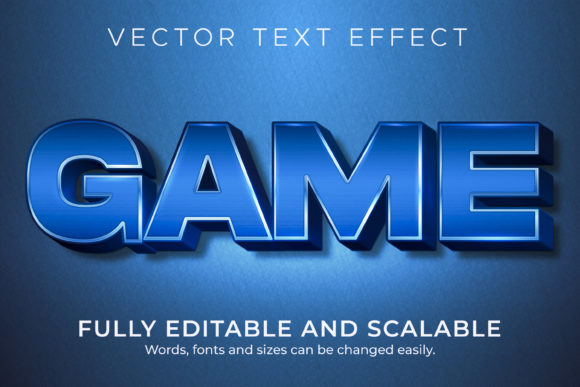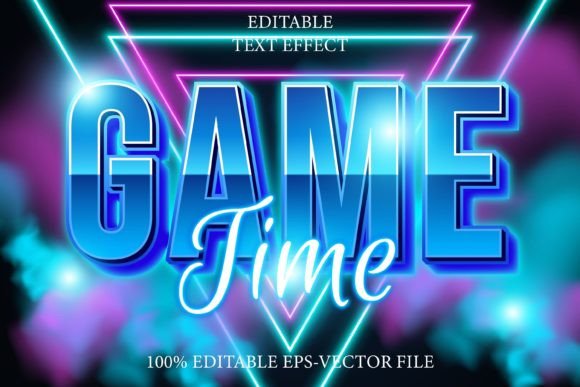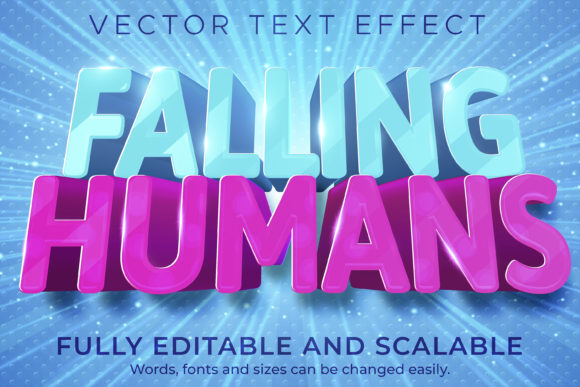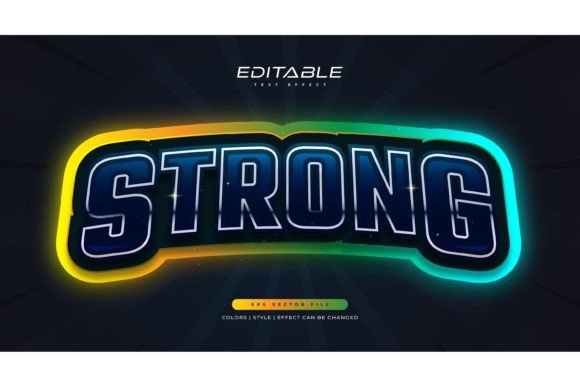
Colorful Game Text Style in Neon Effect
Designing eye-catching text doesn’t have to be complicated. With the Colorful Game Text Style in Neon Effect, you can instantly elevate your visual projects using vibrant, glowing text styles that feel dynamic and modern. Whether you're creating a game title, social media post, or promotional banner, this effect brings a playful yet professional edge to your typography.
This isn't a font—it's a fully editable text effect designed for Adobe Illustrator. That means you're not limited to a specific typeface. You can use your favorite fonts, adjust sizes, and tweak colors with just a few clicks. The package includes 100 editable words, giving you plenty of flexibility for different projects.
What Makes Neon Text Effects Stand Out?
Neon text styles are inspired by classic glowing signs you see in arcades, nightclubs, and retro storefronts. The Colorful Game Text Style in Neon Effect captures that same energetic look but with a digital twist. Each letter appears illuminated, often with a soft glow and layered color gradients that make the text pop against any background.
These effects are especially popular in game design, UI/UX visuals, and digital marketing. They help draw attention to headlines, calls to action, and branding elements. Because they’re built in Adobe Illustrator, you can scale them without losing quality—perfect for both web and print use.
Why Use This Text Effect?
If you're a beginner or a seasoned designer, this neon text effect offers a quick and professional way to enhance your work. Here are a few reasons why people love using it:
- Easy to edit – Just click and change the text. No need to redraw or reformat.
- Highly customizable – Swap fonts, adjust colors, resize, and reshape to fit your project.
- Professional results – Achieve polished, glowing text without advanced design skills.
- Ready for multiple uses – Includes EPS and JPG previews for quick previews and sharing.
Whether you're designing a YouTube banner, a mobile game title, or a digital poster, the Colorful Game Text Style in Neon Effect helps you create visuals that stand out without spending hours on design details.
Where Can You Use Neon Text Effects?
This text style works across many creative and commercial applications. Here are a few practical examples:
- Game development – Use neon text for game titles, buttons, and interface elements that need to pop.
- Social media graphics – Make your Instagram stories, TikTok thumbnails, or Facebook posts more engaging with glowing text.
- Marketing materials – Design flyers, banners, and email headers that catch attention quickly.
- Website design – Add neon-style headlines or CTA buttons to your landing pages for a modern look.
- Merchandise design – Create t-shirt prints, stickers, or posters with bold, colorful text effects.
Because the text is fully editable in Illustrator, you can easily repurpose your designs for different platforms and sizes. Whether you're printing a poster or designing a mobile app screen, this effect scales beautifully.
Getting Started with Adobe Illustrator Text Effects
If you're new to Adobe Illustrator, don’t worry—this text effect is designed to be beginner-friendly. Once you open the file, you'll see layers and groups that are clearly labeled. To edit the text:
- Double-click on the text layer.
- Change the wording using your keyboard.
- Select a new font from your system if desired.
- Adjust colors using the color swatches or your own palette.
You don’t need to be a design expert to use this effect. The structure is intuitive, and the included JPG preview lets you see how your changes look before finalizing. For more advanced users, you can dive into the layer styles and tweak gradients, glows, and shadows to match your brand or theme.
Choosing the Right Colors and Fonts
One of the great things about the Colorful Game Text Style in Neon Effect is its flexibility. You can choose colors that match your brand or evoke a specific mood. Bright neon hues like electric blue, hot pink, and lime green work well for high-energy designs. For a more subtle look, try softer pastels or metallic tones with a glow effect.
When it comes to fonts, consider the tone of your message. Bold, blocky fonts add a strong, futuristic feel—perfect for tech or gaming themes. Rounded, playful fonts are great for fun or kid-friendly designs. Serif fonts with a neon glow can give a retro or vintage look. Experiment with different combinations to find what works best for your project.
Important Considerations Before Using Neon Text Effects
While neon text effects are visually striking, there are a few things to keep in mind before applying them:
- Readability matters – Make sure the text is still easy to read, especially on mobile screens or small prints.
- Background contrast – Neon effects work best against dark or neutral backgrounds that make the glow stand out.
- File compatibility – Ensure you have Adobe Illustrator installed to fully edit the files. If you don’t have Illustrator, you can still use the JPG previews for reference.
- Commercial use rights – Always check the licensing terms to confirm whether the design can be used for commercial purposes.
By keeping these points in mind, you can make the most of the Colorful Game Text Style in Neon Effect without compromising design quality or usability.
Final Thoughts
The Colorful Game Text Style in Neon Effect is more than just a design trend—it's a versatile tool that can enhance your creative projects with minimal effort. Whether you're a hobbyist, a small business owner, or a professional designer, this effect helps you create standout visuals quickly and easily.
With its editable features, compatibility with Adobe Illustrator, and vibrant aesthetic, it’s a smart choice for anyone looking to add a touch of modern flair to their designs. Give it a try and see how it transforms your text into something truly eye-catching.