Game Text Effect Layer Style: A Practical Tool for Dynamic Typography
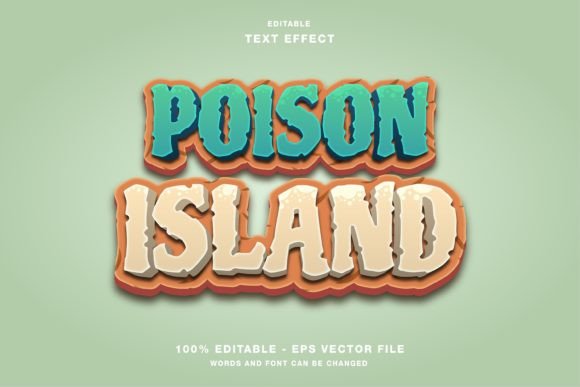
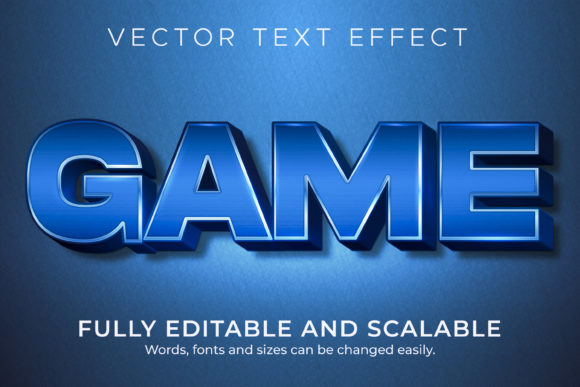
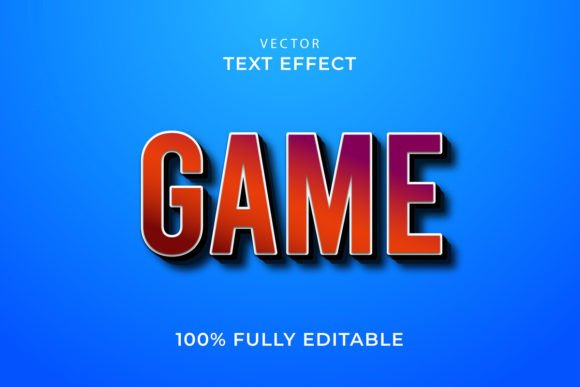
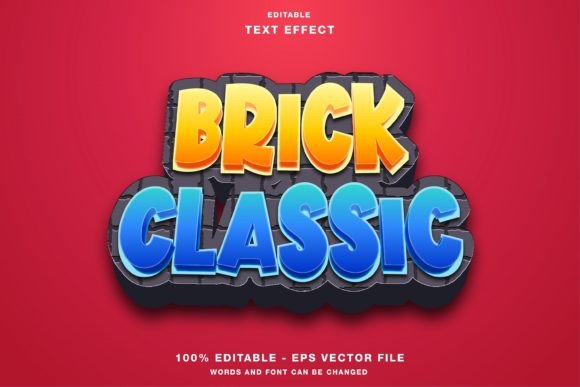
Typography plays a crucial role in visual design, especially when creating attention-grabbing graphics for games, promotions, or branding. The Game Text Effect Layer Style offers a streamlined approach to applying high-quality text effects without requiring advanced design skills. Built as a Photoshop layer style, it allows users to quickly apply visually rich effects to text layers with just a few clicks. This approach simplifies the process of creating professional-grade text visuals, making it accessible to both novice designers and experienced professionals looking to save time.
How Game Text Effect Layer Style Works
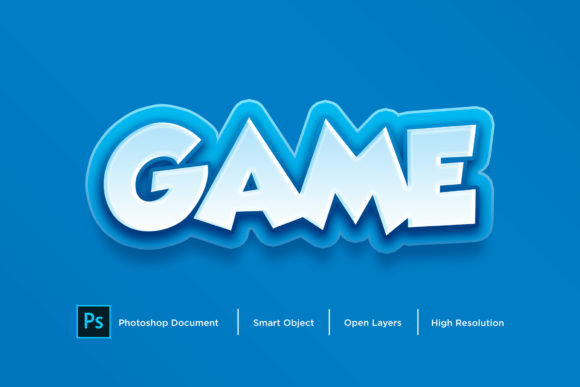
At its core, the Game Text Effect Layer Style is a pre-configured Photoshop layer style file that can be applied directly to text layers. Unlike traditional methods that require manually adjusting gradients, shadows, and bevels, this style automates the process. Users simply select their text layer and apply the style, instantly transforming plain text into a stylized graphic that fits a game or action-oriented aesthetic.
Each effect is designed with flexibility in mind. The layer style can be modified to suit different color schemes, lighting conditions, and design contexts. This adaptability makes it a practical solution for projects that require consistent yet customizable typography across multiple assets.
Comparing Game Text Effect Layer Style with Alternatives
Designers have several options when it comes to text effects, including custom layer styles, downloadable Photoshop brushes, and smart object-based text generators. Each method has its own advantages and drawbacks.
- Custom Layer Styles offer full control but require time and technical expertise to build from scratch.
- Photoshop Brushes can produce unique effects but often require multiple layers and careful application to achieve depth and realism.
- Smart Object Generators provide a one-click solution, but they can be less flexible since modifying the text or adjusting the effect often involves re-rendering the entire object.
The Game Text Effect Layer Style strikes a balance between ease of use and customization. It eliminates the need for complex setups while still allowing users to tweak settings like color overlays, gradients, and blending options. This makes it especially useful for designers who want efficiency without sacrificing creative control.
When to Choose Game Text Effect Layer Style
This layer style format is particularly well-suited for projects that require rapid prototyping or frequent text updates. For example, game developers creating promotional banners, UI elements, or title screens often need to iterate quickly. The ability to apply and adjust effects in real time means they can maintain a consistent visual style without slowing down the production process.
Additionally, marketers or content creators who are not deeply familiar with Photoshop’s advanced features can benefit from the simplicity of this approach. It reduces the learning curve while still delivering professional results.
Limitations and Considerations
While the Game Text Effect Layer Style is powerful, it’s not a one-size-fits-all solution. For highly specialized or photorealistic text effects, custom layering and manual adjustments may still be necessary. Also, because layer styles are resolution-dependent, scaling text significantly after applying effects can sometimes lead to unexpected results, particularly when working with complex bevels or textures.
Designers working on print projects or high-resolution outputs should test the layer style at the intended size before finalizing. Additionally, while the style is editable, some effects may rely on specific layer structures, so deep customization may require a solid understanding of Photoshop’s layer system.
Practical Use Cases and Real-World Applications
One of the most common applications of the Game Text Effect Layer Style is in the gaming industry, where bold, stylized text is often used for titles, buttons, and in-game messages. For instance, a developer designing a retro-style arcade game might use a pixelated or neon-style layer effect to reinforce the game’s visual identity. Applying the effect via a layer style ensures consistency and saves time compared to manually recreating the same look across dozens of text elements.
Another scenario where this format shines is in promotional design. Imagine a digital marketer creating a series of social media posts for a gaming event. With a pre-made Game Text Effect Layer Style, they can quickly apply a unified look to headlines and call-to-action buttons, ensuring brand consistency across all visuals. Since the style is non-destructive, they can also experiment with different color variations without altering the original text layer.
Key Features That Make It Stand Out
Several features contribute to the usability and appeal of the Game Text Effect Layer Style:
- Non-Destructive Editing: The layer style format allows users to apply effects without permanently altering the original text, making it easy to tweak or remove effects at any time.
- Consistent Results: Once applied, the effect behaves predictably across different fonts and text sizes, reducing the need for manual adjustments.
- Integration with Photoshop Tools: Since it’s a native layer style, it works seamlessly with other Photoshop features like layer masks, blending modes, and adjustment layers.
- Time-Saving Workflow: Designers can apply complex effects instantly, which is especially valuable when working under tight deadlines or managing multiple design assets.
These features make it a valuable tool for anyone who needs to produce high-quality text visuals efficiently, whether for digital or print media.
How It Compares to Smart Object-Based Solutions
Smart object replacements are another popular method for applying text effects in Photoshop. They allow users to double-click a smart object, edit the text, and save changes to automatically update the effect. While this method is also user-friendly, it differs from the Game Text Effect Layer Style in several key ways:
- Flexibility: Smart objects are essentially embedded files, so editing them involves opening a separate document. In contrast, layer styles are applied directly to existing text layers, making them easier to adjust on the fly.
- Customization: Smart object effects are typically fixed unless the embedded file is modified. Layer styles, however, can be edited directly within the main document, allowing for real-time tweaks to colors, gradients, and effects.
- File Management: Smart objects can increase file size and complexity, especially when multiple instances are used. Layer styles are more lightweight and keep the file structure cleaner.
Both approaches have their place, but the Game Text Effect Layer Style offers a more integrated and editable solution for users who want to maintain flexibility without dealing with nested files.
Final Thoughts: Is Game Text Effect Layer Style Right for You?
The Game Text Effect Layer Style is a practical solution for designers who need to apply high-quality text effects quickly and consistently. It’s especially valuable for those working in fast-paced environments like game development, marketing, or UI design, where efficiency and flexibility are key. However, it’s not a substitute for more advanced techniques when highly customized or resolution-intensive results are required.
Ultimately, choosing between this format and other text effect methods depends on your specific needs, workflow preferences, and project requirements. If you're looking for a way to streamline your design process while maintaining a professional look, the Game Text Effect Layer Style is a strong contender worth exploring.